

How-To Guides

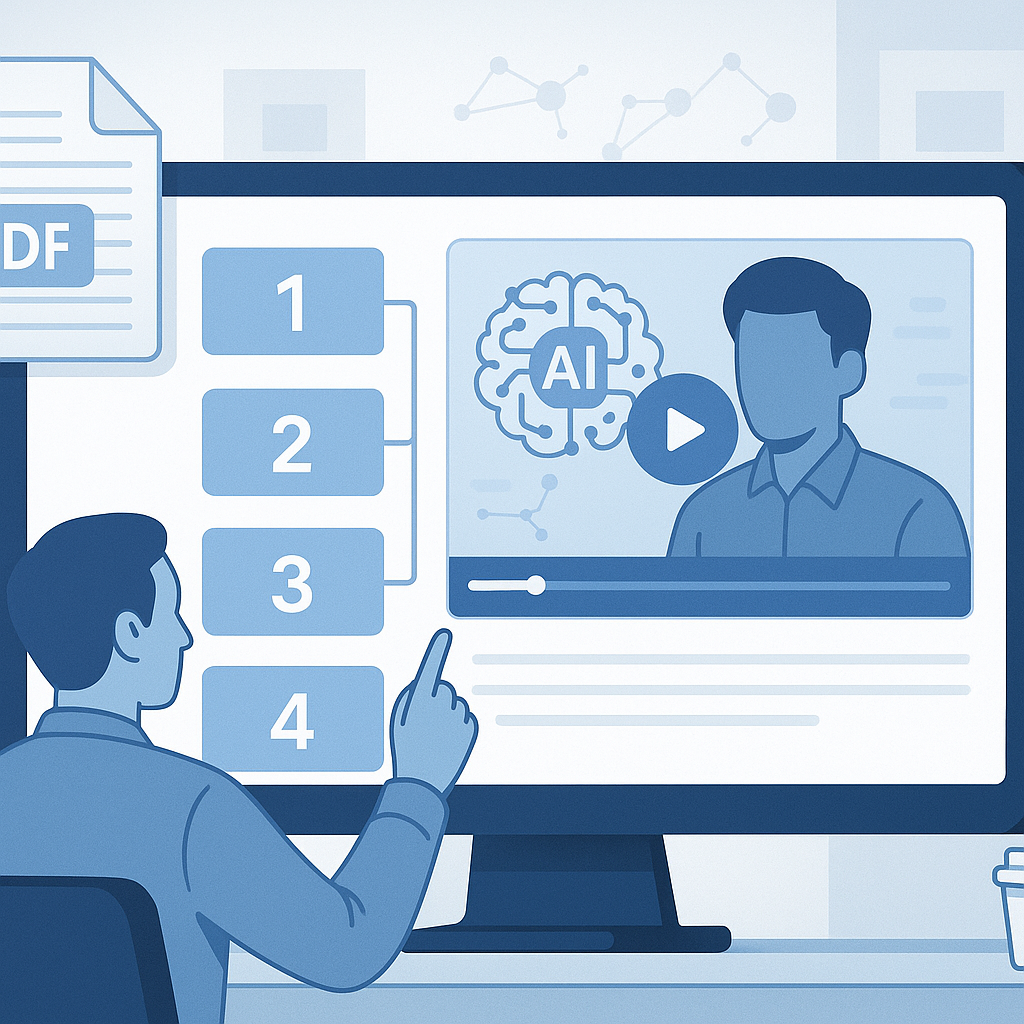
How to Convert PDF to Video Using AI: Complete Step-by-Step Guide

Learn how to transform static PDF documents into engaging videos using AI-powered tools. Complete tutorial with screenshots, tips, and best practices for 2025.
By BrainyDocuments TeamApril 6, 20257 min read
How to Convert PDF to Video Using AI: Complete Step-by-Step Guide

How to Convert PDF to Video Using AI: Complete Step-by-Step Guide

Converting static PDF documents into dynamic, engaging videos has become increasingly important in our digital-first world. Whether you're an educator looking to create compelling lesson materials, a business professional transforming reports into presentations, or a content creator seeking to repurpose existing documentation, AI-powered PDF to video conversion tools offer an efficient solution.

In this comprehensive guide, we'll walk you through the entire process of converting PDFs to videos using artificial intelligence, covering everything from tool selection to optimization techniques.

Why Convert PDFs to Videos?

Enhanced Engagement

Video content receives 94% more views than text-based content. By converting your PDFs to videos, you're tapping into the most engaging content format available today.

Improved Accessibility

Videos can include:

  • Voiceovers for auditory learners
  • Visual animations for complex concepts
  • Multilingual support for global audiences
  • Closed captions for accessibility compliance

Better Information Retention

Studies show that people retain 65% of visual information after three days, compared to only 10% of text-based information.

Choosing the Right AI Tool

Key Features to Look For

When selecting an AI-powered PDF to video converter, consider these essential features:

  1. Multi-format Support: Ensure the tool handles various PDF types (text, images, presentations)
  2. Customization Options: Look for voice selection, animation styles, and branding capabilities
  3. Quality Output: Check for HD video export options
  4. Speed: Consider processing time for urgent projects
  5. Cost-effectiveness: Evaluate pricing against feature sets

Top AI PDF to Video Tools

BrainyDocuments stands out as a comprehensive solution offering:

  • 70+ language support
  • Custom explanation styles ("explain like I'm 5")
  • Professional video templates
  • No software installation required
  • Enterprise-grade security

Step-by-Step Conversion Process

Step 1: Prepare Your PDF

Before uploading your document, optimize it for conversion:

Text Quality

  • Ensure text is selectable (not image-based)
  • Use clear, readable fonts
  • Organize content with proper headings

Image Optimization

  • Include high-resolution images
  • Ensure proper contrast
  • Add descriptive alt text

Structure Organization

  • Use logical heading hierarchy (H1, H2, H3)
  • Include table of contents for longer documents
  • Break content into digestible sections

Step 2: Upload and Configure

  1. Access the Platform

    • Navigate to your chosen AI tool
    • Create an account if required
    • Upload your PDF file
  2. Select Video Settings

    • Choose output resolution (recommended: 1080p)
    • Select aspect ratio (16:9 for most platforms)
    • Set video duration preferences
  3. Configure AI Settings

    • Select voice type and language
    • Choose explanation complexity level
    • Set animation style preferences

Step 3: Content Customization

Voice and Narration

  • Select from AI-generated voices
  • Adjust speaking speed and tone
  • Add emphasis on key points
  • Include pauses for complex concepts

Visual Elements

  • Choose background themes
  • Add your brand colors and logos
  • Include relevant stock footage
  • Incorporate data visualizations

Text and Captions

  • Enable closed captions
  • Customize font styles
  • Add key takeaway highlights
  • Include call-to-action elements

Step 4: Preview and Edit

Before finalizing your video:

  1. Review Content Flow

    • Check logical progression
    • Verify all sections are included
    • Ensure smooth transitions
  2. Audio Quality Check

    • Test voice clarity
    • Adjust volume levels
    • Check for proper pronunciation
  3. Visual Review

    • Verify image quality
    • Check text readability
    • Ensure brand consistency

Step 5: Export and Optimize

Export Settings

  • Choose appropriate file format (MP4 recommended)
  • Select quality vs. file size balance
  • Add metadata for SEO purposes

Post-Production Optimization

  • Add intro/outro slides if needed
  • Include contact information
  • Optimize for target platforms

Advanced Techniques

Multi-Language Support

For global audiences, consider:

  • Generating videos in multiple languages
  • Adding subtitles in various languages
  • Customizing cultural references
  • Adapting visual elements for different regions

Interactive Elements

Enhance engagement with:

  • Clickable links and CTAs
  • Quiz questions throughout content
  • Progress indicators
  • Chapter navigation

Brand Integration

Maintain brand consistency by:

  • Using company color schemes
  • Including logo watermarks
  • Applying consistent fonts
  • Adding branded intro/outro sequences

Common Challenges and Solutions

Challenge 1: Poor Text Recognition

Problem: AI struggles with handwritten text or low-quality scans

Solution:

  • Use OCR software to clean up text first
  • Manually edit extracted text
  • Provide high-quality PDF sources

Challenge 2: Lengthy Processing Times

Problem: Large PDFs take excessive time to convert

Solution:

  • Break large documents into smaller sections
  • Optimize images before upload
  • Use tools with efficient processing algorithms

Challenge 3: Unnatural Voice Narration

Problem: AI voices sound robotic or mispronounce terms

Solution:

  • Edit pronunciation guides
  • Add custom phonetic spellings
  • Use premium voice options
  • Consider human voiceover for critical content

Best Practices for Success

Content Preparation

  1. Structure Your PDF Logically

    • Use clear headings and subheadings
    • Include summary sections
    • Add visual breaks between topics
  2. Optimize for Video Format

    • Consider how content will translate to video
    • Plan for visual demonstrations
    • Include relevant imagery

Video Optimization

  1. Keep It Concise

    • Aim for 3-7 minute segments
    • Break long content into series
    • Focus on key messages
  2. Maintain Visual Interest

    • Use animations sparingly but effectively
    • Include relevant graphics
    • Vary visual elements throughout

Distribution Strategy

  1. Platform Optimization

    • Tailor video specs for intended platforms
    • Create platform-specific thumbnails
    • Optimize descriptions and tags
  2. Accessibility Considerations

    • Always include captions
    • Provide transcript downloads
    • Ensure color contrast compliance

Measuring Success

Key Performance Indicators

Track these metrics to evaluate your video's performance:

  • View duration: How long viewers watch
  • Engagement rate: Likes, shares, comments
  • Conversion rate: Actions taken after viewing
  • Learning outcomes: Comprehension and retention

Analytics Tools

Use these platforms to monitor performance:

  • YouTube Analytics for public videos
  • Vimeo Pro for business content
  • Google Analytics for website-embedded videos
  • Learning Management System analytics for educational content

AI Advancements

Emerging technologies will bring:

  • More natural voice synthesis
  • Advanced animation capabilities
  • Improved content understanding
  • Real-time translation features

Interactive Video Evolution

Expect developments in:

  • Virtual reality integration
  • Augmented reality overlays
  • Personalized content adaptation
  • Real-time feedback incorporation

Conclusion

Converting PDFs to videos using AI technology opens up new possibilities for content engagement, accessibility, and distribution. By following this comprehensive guide, you'll be able to transform static documents into dynamic, engaging video content that resonates with modern audiences.

The key to success lies in proper preparation, tool selection, and attention to both technical and creative details. As AI technology continues to evolve, these tools will become even more powerful and user-friendly, making video content creation accessible to everyone.

Start with a simple document and experiment with different settings to find what works best for your specific needs. With practice, you'll develop a workflow that consistently produces high-quality video content from your PDF sources.

Frequently Asked Questions

What types of PDFs work best for video conversion?

Text-based PDFs with clear structure, high-quality images, and logical flow work best. Avoid heavily formatted documents, scanned images without OCR, or PDFs with complex layouts.

How long does it typically take to convert a PDF to video?

Processing time varies based on document length and complexity. Simple 10-page documents may take 5-10 minutes, while comprehensive reports could take 30-60 minutes.

Can I edit the generated video after conversion?

Most AI tools allow basic editing during the conversion process. For advanced editing, you may need to export the video and use dedicated video editing software.

What's the cost of PDF to video conversion?

Pricing varies by tool and usage. Many platforms offer free trials with limited features, while professional plans range from $20-100+ per month depending on usage volume and features.

Is it possible to convert PDFs to interactive videos?

Yes, many modern AI tools support interactive elements like clickable links, embedded quizzes, and navigation menus within the generated videos.

Share this article

Stay Updated with AI Document Processing

Get the latest insights on AI-powered document conversion, productivity tips, and industry updates.

No spam. Unsubscribe at any time.

Related Articles

