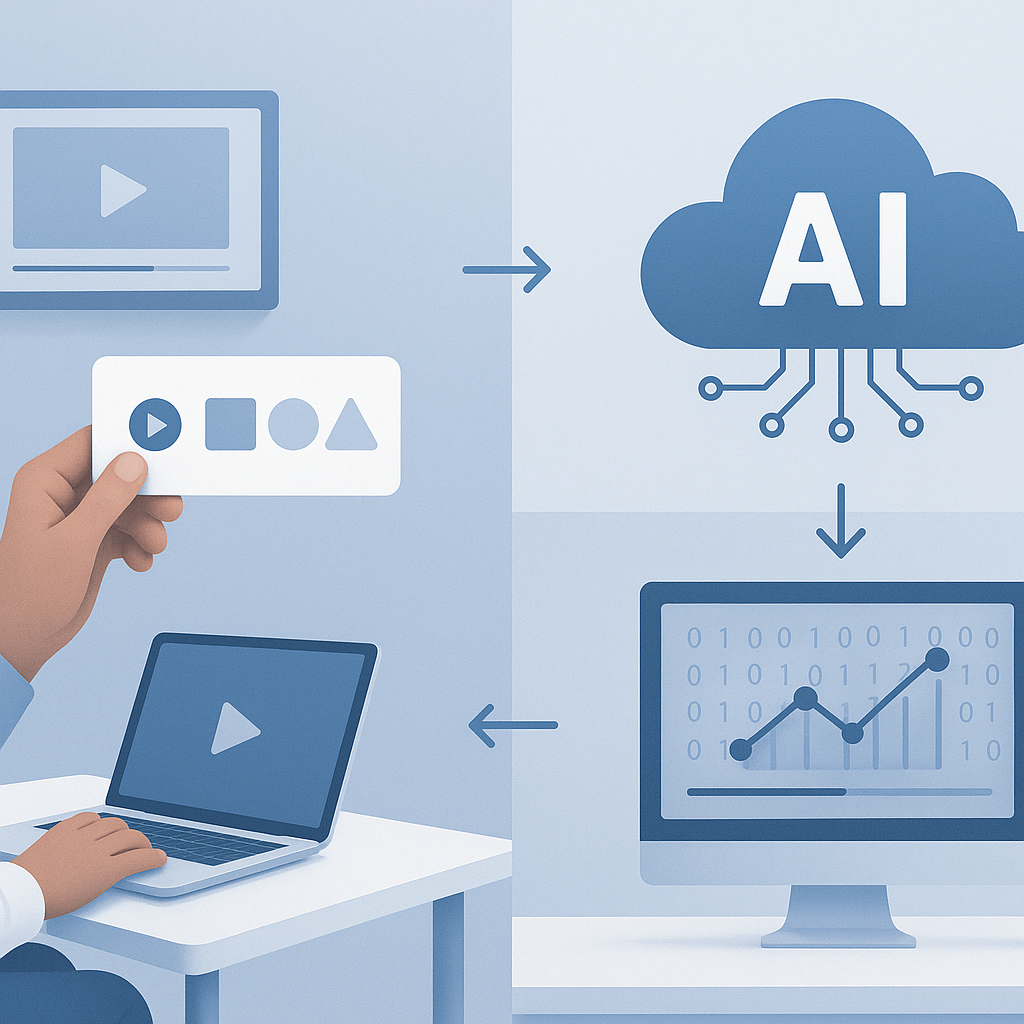
How to Convert Textbooks to Video Lessons Using AI
Traditional textbooks are being transformed into dynamic, engaging video lessons that improve student comprehension and retention. With AI-powered tools, educators can now convert static textbook content into professional video lessons that accommodate different learning styles and increase student engagement.
This comprehensive guide shows you how to transform textbook content into effective video lessons using modern AI technology.
Benefits of Converting Textbooks to Video Lessons
Enhanced Student Engagement
Video lessons increase student engagement by 400% compared to traditional text-based learning, leading to better participation and motivation.
Improved Comprehension
Visual and auditory learning elements help students understand complex concepts more effectively, with 65% better retention compared to text-only materials.
Accessibility and Inclusion
Video lessons accommodate different learning styles and provide accessibility features for students with disabilities.
Flexible Learning
Students can access video lessons anytime, pause for reflection, and review difficult concepts at their own pace.
Best AI Tools for Textbook-to-Video Conversion
1. BrainyDocuments (Recommended)
Specialized in educational content transformation
Key Features:
- Advanced textbook analysis and segmentation
- Educational video templates
- Multi-language support (70+ languages)
- Adaptive explanation levels
- Professional narration options
Pricing: Free trial, education plans from $29/month
Best For: K-12 education, higher education, professional training
2. Synthesia Education
Professional avatar-based instruction
Key Features:
- AI avatar teachers
- Multilingual capabilities
- Custom avatar creation
- Educational templates
- Interactive elements
Pricing: Education discounts available, plans from $30/month
Best For: Language learning, corporate training, international education
3. Pictory
Content summarization and video creation
Key Features:
- Automatic content summarization
- Key concept extraction
- Stock footage integration
- Text-to-speech narration
- Bulk processing capabilities
Pricing: Plans from $19/month
Best For: Content creators, online course development, supplementary materials
Step-by-Step Conversion Process
Phase 1: Content Analysis and Preparation
Textbook Assessment
-
Chapter Structure Analysis
- Identify main topics and subtopics
- Note learning objectives for each section
- Assess complexity levels and prerequisites
- Identify visual elements (charts, diagrams, images)
-
Content Prioritization
- Focus on core concepts first
- Identify sections that benefit most from video format
- Plan logical lesson sequences
- Determine appropriate video lengths (5-15 minutes per concept)
Digital Preparation
-
Text Extraction
- Scan or convert textbook pages to editable text
- Ensure clean, error-free digital content
- Maintain formatting and structure
- Preserve important visual elements
-
Content Organization
- Break content into lesson-sized chunks
- Create clear headings and subheadings
- Organize supporting materials (images, charts, examples)
- Prepare additional context and explanations
Phase 2: AI-Powered Video Creation
Tool Setup and Configuration
-
Platform Selection
- Choose appropriate AI tool based on needs
- Set up educator account with institutional discounts
- Configure templates and branding options
- Establish quality and style preferences
-
Content Upload
- Upload prepared textbook sections
- Organize content by chapters or topics
- Set learning objectives and target audience
- Configure language and accessibility options
AI Processing and Generation
-
Automated Analysis
- AI analyzes content structure and complexity
- Key concepts and learning points are identified
- Visual elements are recognized and processed
- Narration scripts are automatically generated
-
Video Creation
- Appropriate visuals are selected or created
- Narration is synchronized with content
- Transitions and pacing are optimized
- Interactive elements are added where beneficial
Phase 3: Customization and Enhancement
Educational Optimization
-
Content Adaptation
- Adjust explanation complexity for target grade level
- Add real-world examples and applications
- Include practice questions and assessments
- Incorporate interactive elements
-
Visual Enhancement
- Add relevant images and animations
- Create or enhance diagrams and charts
- Apply consistent educational branding
- Ensure visual accessibility compliance
Pedagogical Integration
-
Learning Objective Alignment
- Verify video content matches curriculum standards
- Include clear learning outcomes
- Add assessment checkpoints
- Create supporting materials and resources
-
Differentiated Instruction
- Create multiple difficulty levels
- Provide additional context for struggling learners
- Include extension activities for advanced students
- Offer multiple format options (audio, visual, text)
Phase 4: Quality Assurance and Deployment
Content Review
-
Accuracy Verification
- Fact-check all information against source material
- Verify mathematical calculations and formulas
- Confirm proper pronunciation of technical terms
- Ensure cultural sensitivity and inclusivity
-
Educational Effectiveness
- Test with sample student groups
- Gather feedback on clarity and engagement
- Assess learning outcome achievement
- Refine based on student and educator input
Technical Quality
-
Audio/Visual Standards
- Ensure clear, professional narration
- Verify visual quality and readability
- Test on various devices and screen sizes
- Confirm accessibility feature functionality
-
Platform Integration
- Test compatibility with learning management systems
- Verify proper video streaming and download
- Ensure cross-platform functionality
- Confirm analytics and tracking capabilities
Subject-Specific Strategies
STEM Subjects (Science, Technology, Engineering, Mathematics)
Mathematics
- Animated problem-solving sequences
- Step-by-step equation demonstrations
- Interactive graphing and visualization
- Real-world application examples
Science
- Virtual laboratory demonstrations
- 3D molecular models and simulations
- Time-lapse processes and experiments
- Concept visualization and analogies
Engineering
- 3D technical drawings and schematics
- Process flow animations
- Case study walkthroughs
- Design principle demonstrations
Humanities and Social Sciences
History
- Timeline animations and visualizations
- Historical document analysis
- Geographic context and mapping
- Primary source integration
Literature
- Character development tracking
- Theme exploration and analysis
- Historical and cultural context
- Literary device demonstrations
Social Studies
- Current event connections
- Cultural exploration and comparison
- Government process explanations
- Economic concept visualizations
Language Arts and Foreign Languages
Reading and Writing
- Grammar concept animations
- Writing process demonstrations
- Literary analysis techniques
- Vocabulary building exercises
Foreign Languages
- Pronunciation guides and practice
- Cultural context explanations
- Conversation scenario practice
- Grammar pattern recognition
Advanced Enhancement Techniques
Interactive Element Integration
Knowledge Checks
- Embedded quiz questions throughout videos
- Immediate feedback and explanations
- Progress tracking and analytics
- Adaptive questioning based on performance
Virtual Experiments
- Simulated laboratory environments
- Interactive problem-solving scenarios
- Cause-and-effect demonstrations
- Hypothesis testing opportunities
Collaborative Features
- Discussion prompt integration
- Peer review and feedback systems
- Group project coordination
- Social learning elements
Accessibility and Universal Design
Visual Accessibility
- High contrast color schemes
- Large, readable fonts and graphics
- Audio descriptions for visual elements
- Screen reader compatibility
Auditory Accessibility
- Accurate closed captions and subtitles
- Sign language interpretation options
- Adjustable playback speed
- Visual cues for audio information
Cognitive Accessibility
- Clear, consistent navigation
- Simplified language options
- Memory aids and repetition
- Structured content organization
Assessment and Analytics Integration
Learning Analytics
Engagement Metrics
- Video completion rates by student
- Replay and rewatch patterns
- Interaction with embedded elements
- Time spent on different concepts
Performance Tracking
- Quiz and assessment results
- Learning objective mastery
- Progress through curriculum sequences
- Skill development over time
Adaptive Learning
- Personalized content recommendations
- Difficulty adjustment based on performance
- Remediation resource suggestions
- Advanced challenge material provision
Data-Driven Improvements
Content Optimization
- Identify challenging concepts requiring revision
- Analyze engagement drop-off points
- Monitor student feedback and questions
- Track learning outcome achievement rates
Pedagogical Refinement
- Compare video vs. traditional teaching effectiveness
- Identify optimal video length and pacing
- Assess impact of different visual approaches
- Evaluate interactive element effectiveness
Implementation Best Practices
Institutional Planning
Curriculum Integration
-
Alignment with Standards
- Map video content to curriculum requirements
- Ensure compliance with educational standards
- Coordinate with existing textbook adoptions
- Plan for assessment and evaluation integration
-
Resource Allocation
- Budget for AI tool subscriptions and training
- Allocate time for content development
- Plan for ongoing maintenance and updates
- Consider hardware and infrastructure needs
Faculty Development
-
Training Programs
- Provide comprehensive tool training for educators
- Develop best practices and style guides
- Create peer mentoring and support systems
- Establish quality review processes
-
Change Management
- Communicate benefits clearly to stakeholders
- Address concerns about technology adoption
- Provide ongoing support and troubleshooting
- Celebrate successes and share best practices
Student Preparation
Digital Literacy
- Ensure students can access and navigate video content
- Provide training on interactive features
- Teach effective video learning strategies
- Support diverse technology access needs
Learning Expectations
- Communicate new learning format benefits
- Set clear expectations for engagement
- Provide guidance on effective video note-taking
- Establish protocols for questions and support
Measuring Success and ROI
Student Outcome Metrics
Academic Performance
- Test scores and grade improvements
- Concept mastery and retention rates
- Time to competency achievements
- Skill transfer to new applications
Engagement Indicators
- Class participation increases
- Voluntary content access rates
- Student satisfaction surveys
- Reduced absence and dropout rates
Operational Benefits
Teaching Efficiency
- Reduced lesson preparation time
- Improved consistency across sections
- Enhanced ability to differentiate instruction
- Better use of classroom time for interaction
Resource Optimization
- Reduced textbook replacement costs
- Increased content reusability
- Improved scalability for growing enrollment
- Enhanced institutional marketing and recruitment
Future Trends and Innovations
Emerging Technologies
Immersive Learning
- Virtual reality textbook experiences
- Augmented reality content overlays
- 3D interactive learning environments
- Haptic feedback integration
Advanced AI Capabilities
- Personalized learning path generation
- Real-time content adaptation
- Emotional state recognition and response
- Predictive learning analytics
Educational Evolution
Hybrid Learning Models
- Seamless online and offline integration
- Flexible pacing and scheduling
- Competency-based progression
- Cross-institutional content sharing
Global Accessibility
- Real-time language translation
- Cultural adaptation features
- Universal design principles
- Equitable access solutions
Conclusion
Converting textbooks to video lessons using AI tools like BrainyDocuments represents a significant opportunity to enhance educational effectiveness and student engagement. Success requires careful planning, appropriate tool selection, and commitment to quality and accessibility.
Start with pilot projects in subjects that would benefit most from video format, gather feedback from students and educators, and scale gradually based on results. The investment in time and resources will be rewarded with improved learning outcomes and increased student satisfaction.
As AI technology continues to advance, the process will become even more efficient and effective, making high-quality video education accessible to institutions and educators worldwide.
Frequently Asked Questions
How long does it take to convert a textbook chapter to video?
With AI tools like BrainyDocuments, a typical chapter can be converted in 2-4 hours including review and customization, compared to 20-40 hours for manual creation.
What's the ideal length for educational video lessons?
Most effective educational videos are 5-15 minutes long, covering 1-2 main concepts. Longer topics should be broken into a series of shorter videos.
Can students still use traditional textbooks alongside video lessons?
Yes, video lessons work best as supplements to, not replacements for, traditional materials. They provide alternative learning pathways and reinforcement.
How do I ensure video content meets curriculum standards?
Use standards-aligned textbooks as source material, map learning objectives clearly, and include assessment components that measure required competencies.
What's the cost comparison between video lessons and traditional textbooks?
Initial development costs are higher, but video lessons offer better long-term ROI through reusability, reduced printing costs, and improved learning outcomes.